The Neglect
About the Project
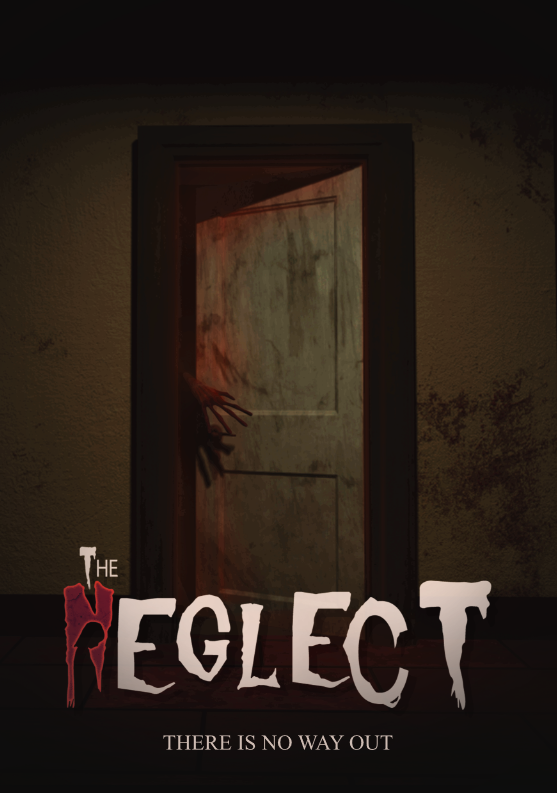
The Neglect is a psychological horror puzzle game and was the third game project I worked on at Futuregames.
My main responsibilities for this project were level management and streaming, door management, and the interaction system.
My Contributions
Project Details
- Team Size: 12 people
- Engine: Unreal Engine
- Duration: 7 weeks - Full time
- Platform: PC
Level Streaming
In this game the player is stuck in a time loop and therefore when certain interactions happen, a lot of the environment is changing. This is a core mechanic in the game and makes it so the layout and environment in the house is continually changing.
To achieve this effect we divided parts of the house into separate levels which are loaded dynamically during run time.
By utilizing level streaming it makes it possible for parts of the house to be divided into smaller chunks so that only the relevant parts are taking up resources and being rendered, as well as smoothly transition changes in the house.
Example of usage:
Door Management
Since this game takes place in a house and there are a lot of doors, we needed a system to handle all the doors. What I worked on includes setting up the different ways you can interact with the doors as well as the logic and animation required for the interactions.
There are in total six different interact states.
Examples below:
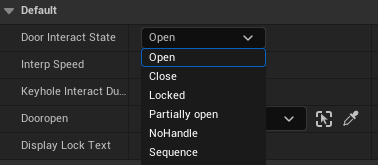
Open & Close
Locked
Partially open
No Handle - Attaches a handle to the door if handle is in inventory
Sequence - Plays a video sequence when interacting
Interaction System
For this project I developed an interaction system that allows the player to interact with actors in the world. The system works by attaching a component to any actor you want to make interactable.
Through this component you can configure different settings for the interaction and tie events to what happens when the player interacts with the object.
When an actor is interactable, the player can press the interact button. A raycast from the mouse checks if it's within range and hitting the interactable hitbox, triggering the interaction. The mouse cursor visually indicates interactable objects by increasing in size when hovering over them.
There are several configurable settings, as shown in the examples below:
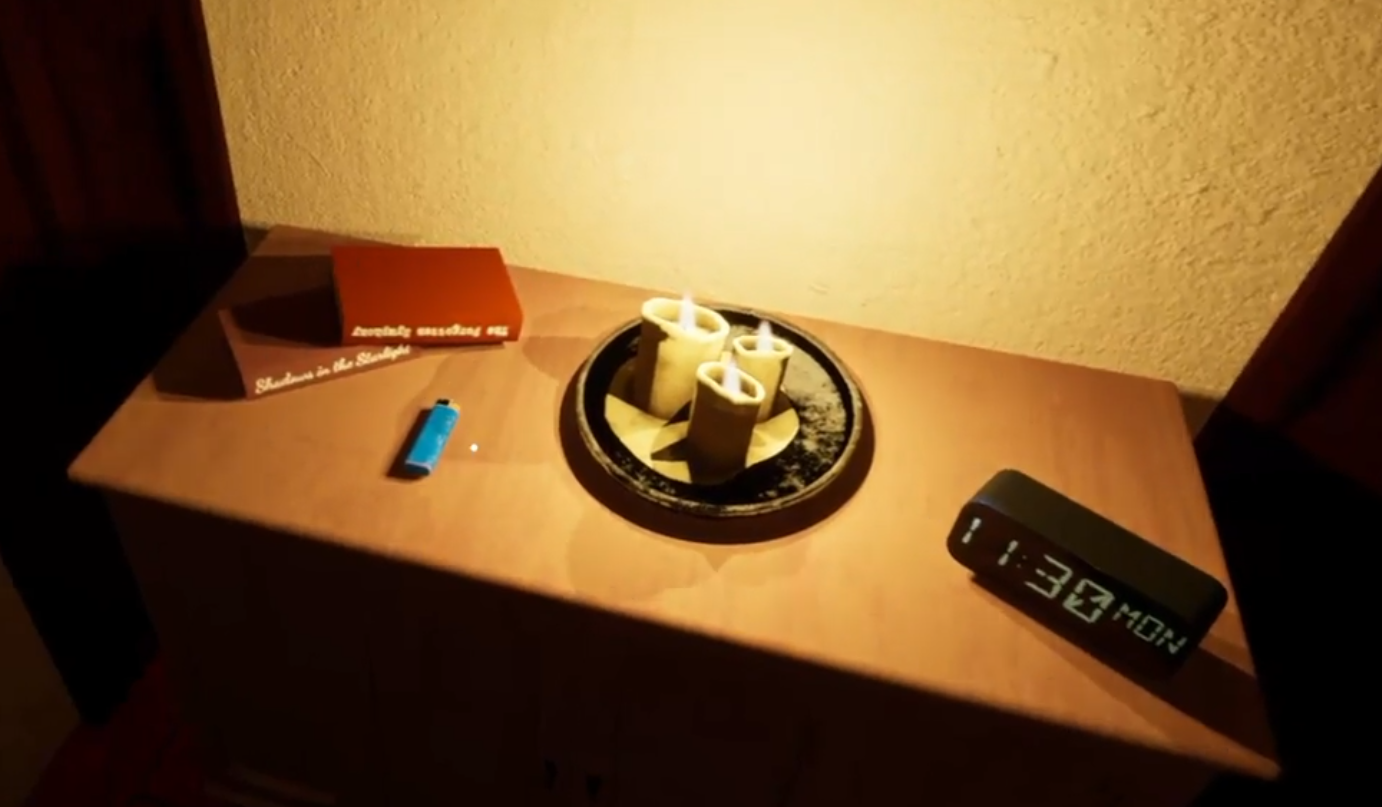

Interact - Visual feedback when hovering over interactable objects
Highlight - Outline shader applied to interactable objects on hover
Inspect - Triggers close up inspection mode when interacting with objects
Combined - Multiple interaction features enabled together
Team
Artists:
- Benjamin Angel
- Francesco Ortolani
- Primus Engström
- Johanna Nilsson
- Julia Budych
- Mateusz Banasiak
Designers:
- Kamil Siwek
- Eryk Wrochna
Programmers:
- Alexander Reuter
- Evert Andersson
- Cristian Stirbu
- Michał Szcząchor